Dr. Phish’s Guide to Digital Red Flags: What Every Parent Should Teach Their Kids
Think your child can spot a fake friend online? Most kids can’t—yet. Digital red flags hide in plain sight: scam links, phishing traps, cyberbullying whispers. This guide from Dr. Phish breaks down what every parent should teach their kids about online safety for kids, with easy tips and scripts to spot danger early. Ready to turn your family into cyber heroes? Check out this resource on social media red flags to get started.
Spotting Digital Red Flags

Online safety for kids is crucial in today’s digital world. Let’s explore how to help your child spot these sneaky digital red flags before they cause harm.
Phishing for Kids
Phishing is like a wolf in sheep’s clothing. It might look friendly, but it’s out to steal your child’s data. These are fake messages pretending to be from trusted sources. They often ask for passwords or personal information. Here’s how to explain it to your child:
-
Recognize fake emails: If an email asks for personal details or passwords, it might be phishing. Tell your child to show you such messages.
-
Unusual links: These can lead to harmful sites. Teach your child to ask before clicking.
Most people think they’re safe online, but phishing attacks are on the rise. Stay informed. Check out this online safety red flags guide for more tips.
Scam Messages and Links
Scam messages are crafty. They promise rewards or use fear to trick your child into clicking links. These links can install harmful software. Discuss these key points with your child:
-
Too good to be true: If a message offers something amazing for free, it’s likely a scam.
-
Urgent requests: Scams often create a false sense of urgency. Encourage your child to pause and think.
Remember, 70% of online scams target young users. Being aware can make a big difference.
Stranger Danger Online
Stranger danger is not just a playground issue. Online, strangers can hide behind fake profiles. Teach your child the importance of:
-
Not sharing personal info: Tell them not to share personal details, even if someone seems friendly.
-
Questioning friend requests: Encourage them to accept friend requests only from people they know in real life.
Most kids think they’re talking to another child, but it might be an adult with harmful intentions. For more insights, visit this lesson on safe environments.
Safety Steps for Young Cyberheroes
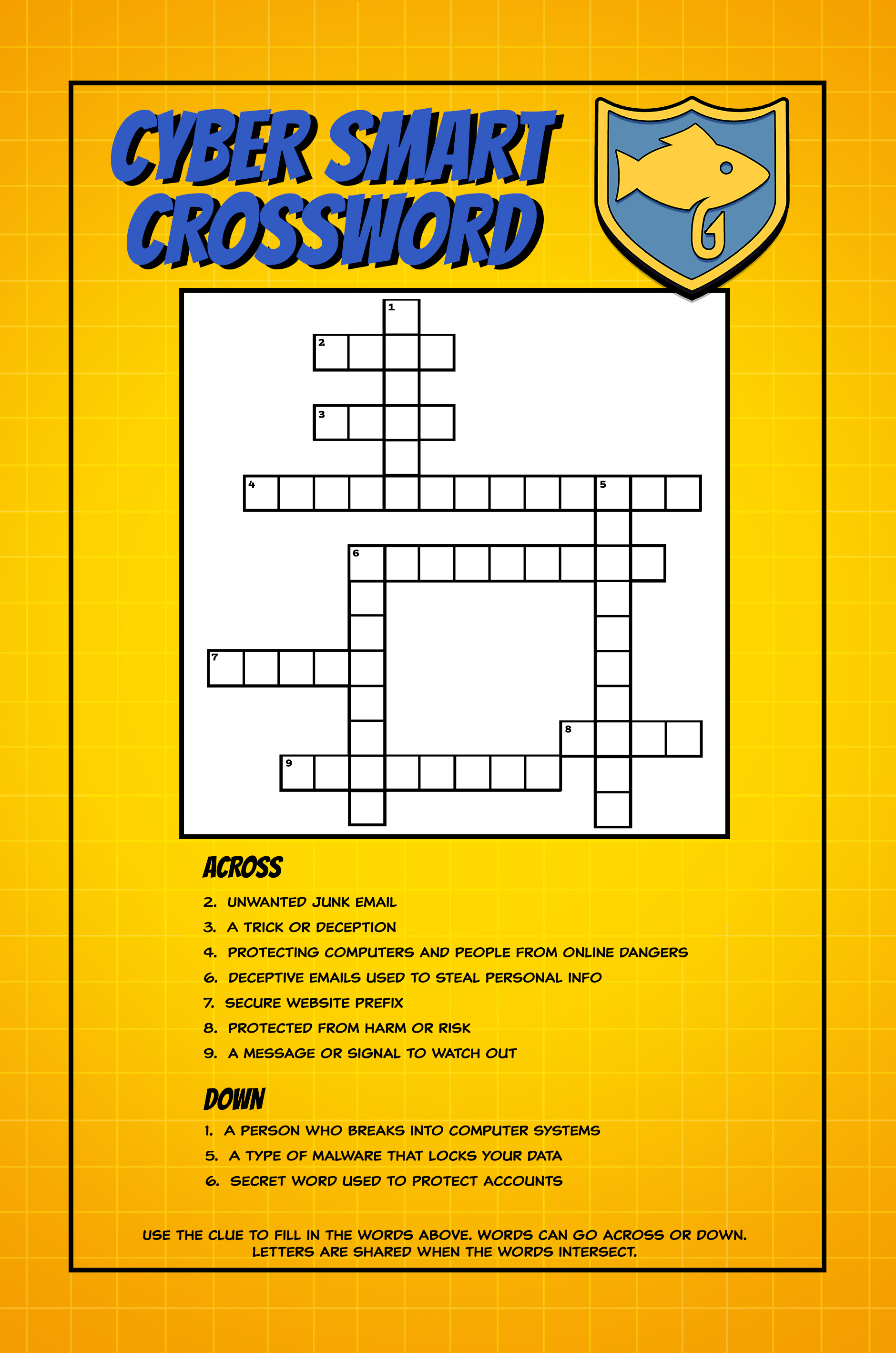
Now that you’ve learned to spot red flags, let’s dive into actionable steps to keep your child safe online. It’s time for your young cyberheroes to gear up.
Simple Scripts for Online Safety
Scripts can help kids respond to tricky online situations. Here are a few examples:
-
Phishing attempt: “I don’t give out my password. Let me ask my parents.”
-
Stranger request: “I only add friends I know. Who are you?”
These simple phrases empower your child to handle digital dangers with confidence.
Family Tech Rules and Privacy Settings
Setting family tech rules creates a safe digital environment. Discuss and implement these steps:
-
Device-free zones: Designate areas in your home where devices aren’t allowed, like the dinner table.
-
Privacy settings: Regularly update and check privacy settings on apps and social media platforms.
Most families overlook how crucial these steps are, but they’re essential for maintaining privacy and security. Explore this student worksheet for more ideas.
Strong Passwords and Two Factor Authentication
Passwords are your first line of defense. Teach your child to create strong passwords and use two-factor authentication:
-
Strong passwords: Use a mix of letters, numbers, and symbols. Avoid using easily guessed info like birthdays.
-
Two-factor authentication: This adds an extra layer of security by requiring a second form of verification.
Many think one password is enough, but taking these extra steps can protect against common threats.
Joining the Dr. Phish Community

Ready to take your cyber safety journey further? Join the Dr. Phish community and unlock resources to transform your family into cyber heroes.
Cyber Hero Training and Resources
Join forces with Dr. Phish for training and resources. Our tools are designed to make learning about online safety fun and engaging for the whole family. You’ll get:
-
Interactive workshops: Learn through activities that bring safety tips to life.
-
Community support: Connect with other families and share tips.
Sneak Peeks of the Dr. Phish Book Series
Experience the adventures of Dr. Phish with sneak peeks from our book series. Each story is a thrilling ride packed with valuable lessons. Here’s what you can expect:
-
Engaging narratives: Stories that children love, making safety lessons stick.
-
Real-world scenarios: Kids learn through situations they might encounter online.
Free Internet Safety Checklist and Downloads
Stay one step ahead with our free internet safety checklist and downloads. These handy tools offer:
-
Quick safety checks: Easy-to-follow steps for parents and kids.
-
Downloadable resources: Keep important tips at your fingertips.
The longer you wait, the more risks your child might face online. Equip your family with knowledge and resources today.