The Ultimate Checklist for Kids to Outsmart Sneaky Online Traps!
Think your child can spot sneaky online traps? Most kids miss the signs before trouble starts. That’s why Dr. Phish created the ultimate cyber safety checklist—crafted to help your family recognize digital threats fast and stay safe. Ready to turn your kid into a cyber hero? Let’s jump into the checklist that makes online safety for kids simple and fun! Check out this helpful resource here.
Spotting Sneaky Online Traps
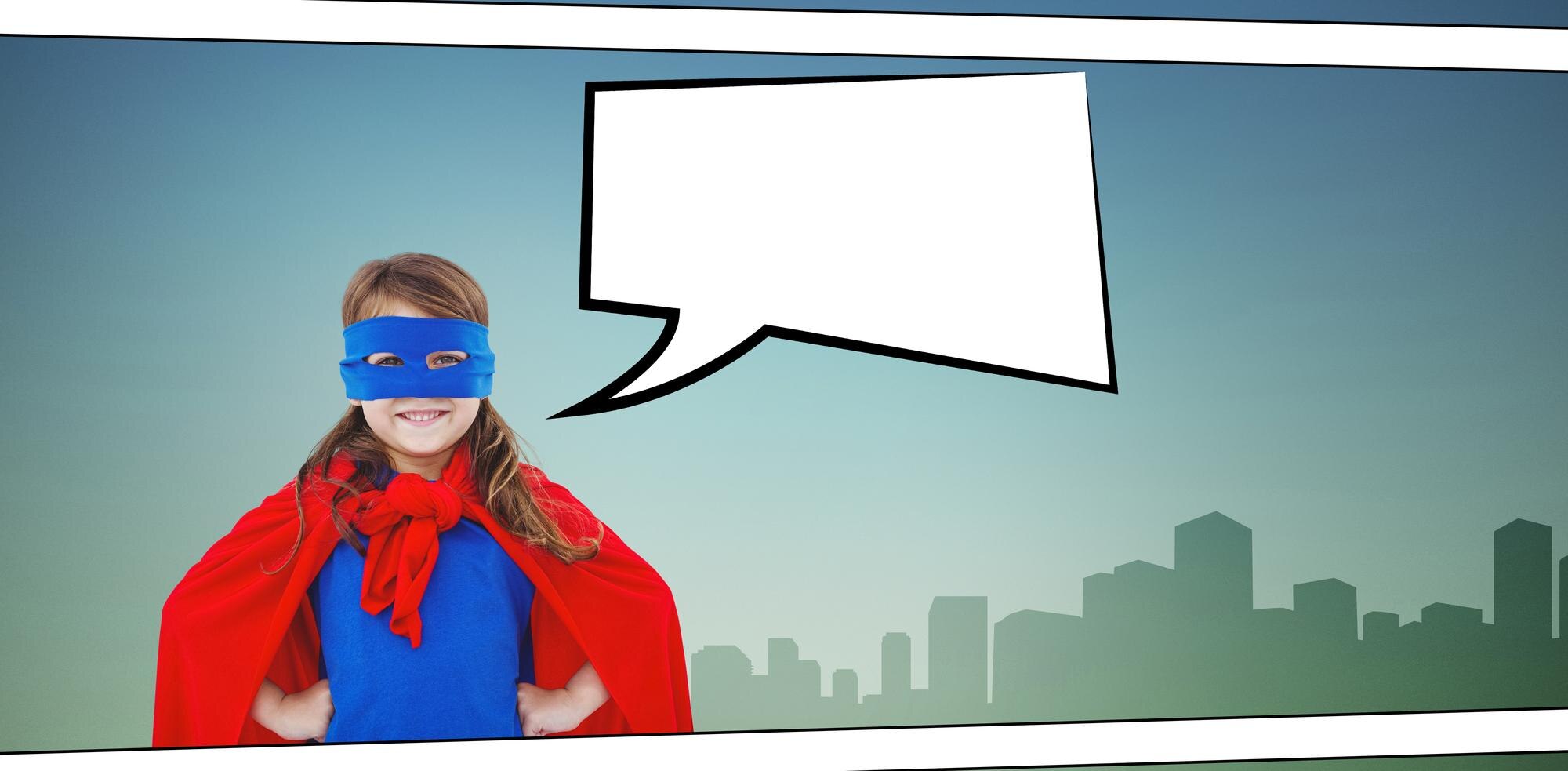
Kids navigate the digital world every day, encountering hidden dangers along the way. Understanding these threats is crucial to staying safe online.
Learn the Signs of Danger
Online threats can appear in many forms, often disguising themselves as something harmless. The key is to recognize these signs early. Fake profiles and phishing scams are among the most common dangers. One out of every three kids encounters these traps regularly. To help outsmart these risks, start with teaching them about suspicious links and unusual requests. A handy checklist could be your child’s sidekick. For more tips on recognizing these threats, check out this guide by Internet Matters.
Recognize Fake Friend Requests
Fake friend requests are like wolves in sheep’s clothing. They might come from users pretending to be someone your child knows. Teach kids to ask questions: Does this person have mutual friends? Do their photos look real? Encourage them to trust their instincts—if something feels off, it probably is. A simple rule to follow: only accept requests from people they know in real life. This small step can make a big difference in keeping your child safe online.
Understand Phishing Scams
Phishing scams try to trick you into giving away personal information. They often disguise themselves as legitimate requests from familiar sources. Show your child examples of phishing emails and messages. Ask them to spot what’s wrong. Is the email address strange? Are there spelling errors? These are red flags that can help them identify scams before they’re caught. Remember, if it seems too good to be true, it usually is. You can find more resources on this topic in a helpful UNICEF article.
Building a Cyber Safety Checklist
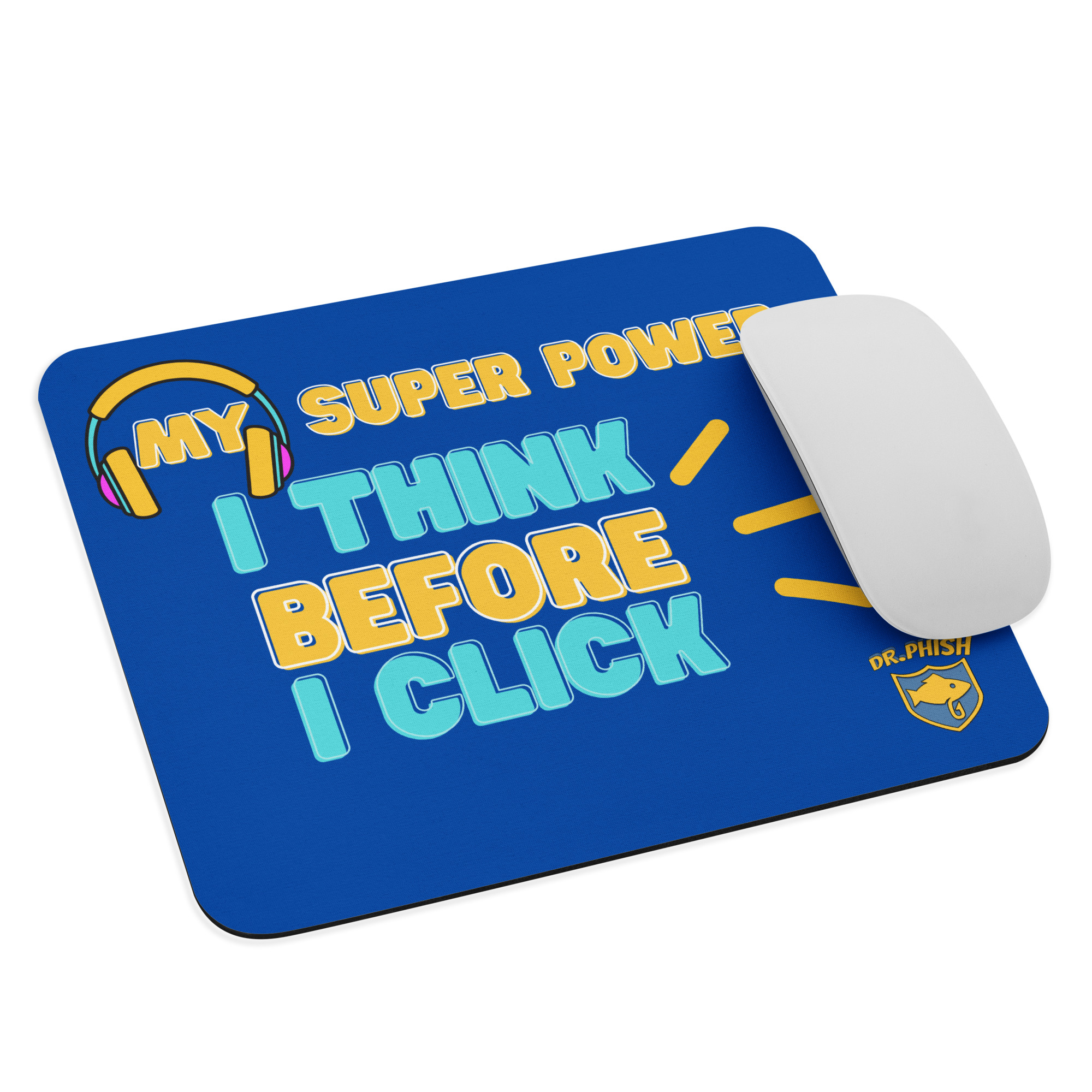
Once you know the threats, building a checklist becomes the next step. It’s a powerful tool to ensure safe online behavior.
Essential Tips for Safe Surfing
Safe surfing starts with strong passwords and privacy settings. Help your child create passwords with a mix of letters, numbers, and symbols. Teach them to keep their profiles private, sharing only with trusted friends and family. Regularly update your safety checklist. This will keep your child’s digital footprint secure. For a detailed checklist, refer to this resource.
The Role of Parents and Educators
Parents and educators play a key role in teaching online safety. Open conversations about digital dangers are vital. Use stories to illustrate risks and solutions. Schools can integrate safety lessons into their curriculum, making it part of everyday learning. Encourage an environment where kids feel comfortable discussing their online experiences. When everyone works together, the digital world becomes a safer place for kids.
Fun Activities to Reinforce Learning
Learning about online safety doesn’t have to be boring. Turn it into a fun adventure with role-playing games or digital scavenger hunts. Use stories from the Dr. Phish series to engage and educate. Challenges, like spotting phishing emails, can turn learning into an exciting mission. Incorporate these activities into family time or classroom settings to make lessons stick. For more ideas, download this Internet Safety Activity Book.
Join the Dr. Phish Adventure
Every child can become a digital hero with the right tools and guidance. The Dr. Phish adventure is here to support your journey.
How to Protect Children Online
Protecting children online requires vigilance and education. Equip your kids with knowledge about safe online practices. Regularly review their privacy settings and encourage open discussions about their online interactions. Stay informed about the latest digital threats by visiting resources like this guide. With the right measures, you can create a secure online environment for your child.
Download the Free Checklist
A well-crafted checklist is your child’s best defense against digital threats. It serves as a guide for safe online habits, from recognizing fake profiles to understanding phishing scams. Use it to reinforce the lessons learned from Dr. Phish’s adventures. By downloading the free checklist, you provide your child with a valuable tool to navigate the digital world confidently.
Become a Cyber Hero Today! 🦸♂️
Empower your child to become a cyber hero. Encourage them to share what they’ve learned with friends, creating a community of informed digital citizens. With Dr. Phish by their side, they’re ready to face any online challenge. Remember, the longer you wait to teach these skills, the more vulnerable they become. Start today and see the difference in their online safety awareness.
Understanding digital threats and staying prepared can turn every child into a cyber hero. Join Dr. Phish in this mission, and together, let’s make the internet a safer place for young explorers.