Top Online Threats Facing Kids—and How to Outsmart Them Like a Cyber Hero
Online dangers for kids aren’t just scary—they’re sneaky. Every day, little heroes face threats like cyberbullying, phishing traps, and risky chats that put their safety on the line. Ready to suit up with Dr. Phish and learn how to protect your family? Let’s explore the top online threats and simple moves that turn your kids into true cyber heroes. For more on how you can keep your children safe online, check out this guide: [https://www.cisa.gov/news-events/news/keeping-children-safe-online].
Biggest Online Threats to Kids
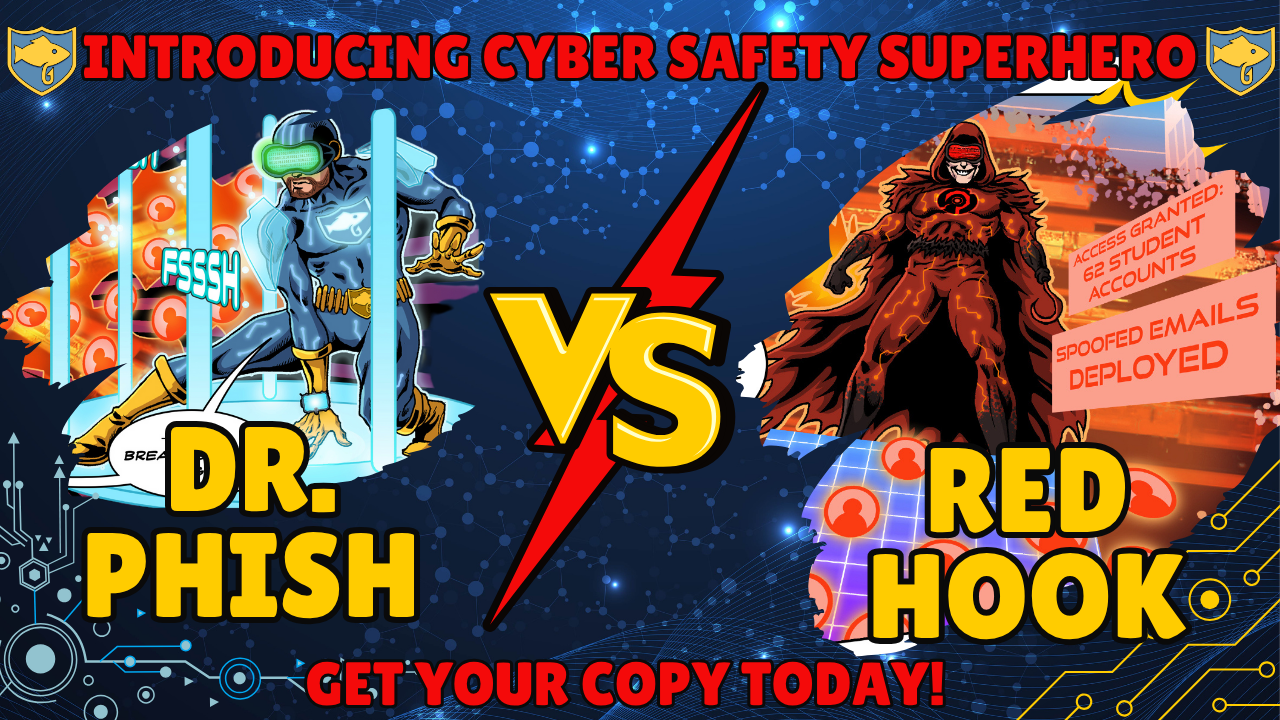
Kids face a maze of online dangers daily. From mean messages to tricky scams, the digital world can be a minefield. But fear not—Dr. Phish is here to guide you through the storm. Discover how to shield your young ones and turn them into cyber heroes.
Cyberbullying Prevention Tips
Imagine your child receiving hurtful messages during their favorite game. Not fun, right? Cyberbullying can happen anywhere online. 60% of kids face online scams before age 10. But there are ways to keep those bullies at bay:
-
Open Conversations: Regularly check in with your child about their online life. Ask about their friends and interactions.
-
Set Boundaries: Teach them to block and report negative behavior. Explain the importance of not responding to bullies.
-
Encourage Positivity: Promote kindness online. Encourage your child to support others and speak up against bullying.
Cyberbullying might seem overwhelming, but with these steps, your child can confidently stand up to digital bullies.
Phishing for Kids: Spotting Scams
Phishing is like a digital trickster. It lurks in emails and messages, hoping to snag personal information. 93% of breaches start with phishing, making it crucial to be on guard. Here’s how to spot these scams:
-
Stay Skeptical: Teach kids to question unexpected emails, especially those asking for personal info.
-
Look for Oddities: Fake emails often have spelling errors or weird email addresses. Encourage kids to look closely.
-
No Click Zone: Stress the importance of not clicking on unknown links. If something seems off, it’s best to close it.
Armed with these tips, your child will be ready to outsmart even the craftiest phishers.
Gaming Chat Safety Essentials
Gaming is fun, but chat rooms can be tricky. Unwanted messages and fake offers often lurk there. Here’s how to keep them safe:
-
Monitor Chats: Ensure game settings limit chat to friends only.
-
Discuss Safe Sharing: Explain why sharing personal info is dangerous.
-
Role-Play Scenarios: Practice what they should do if they get a strange message.
These strategies make gaming a safer, more enjoyable activity.
Family Cyber Safety Strategies
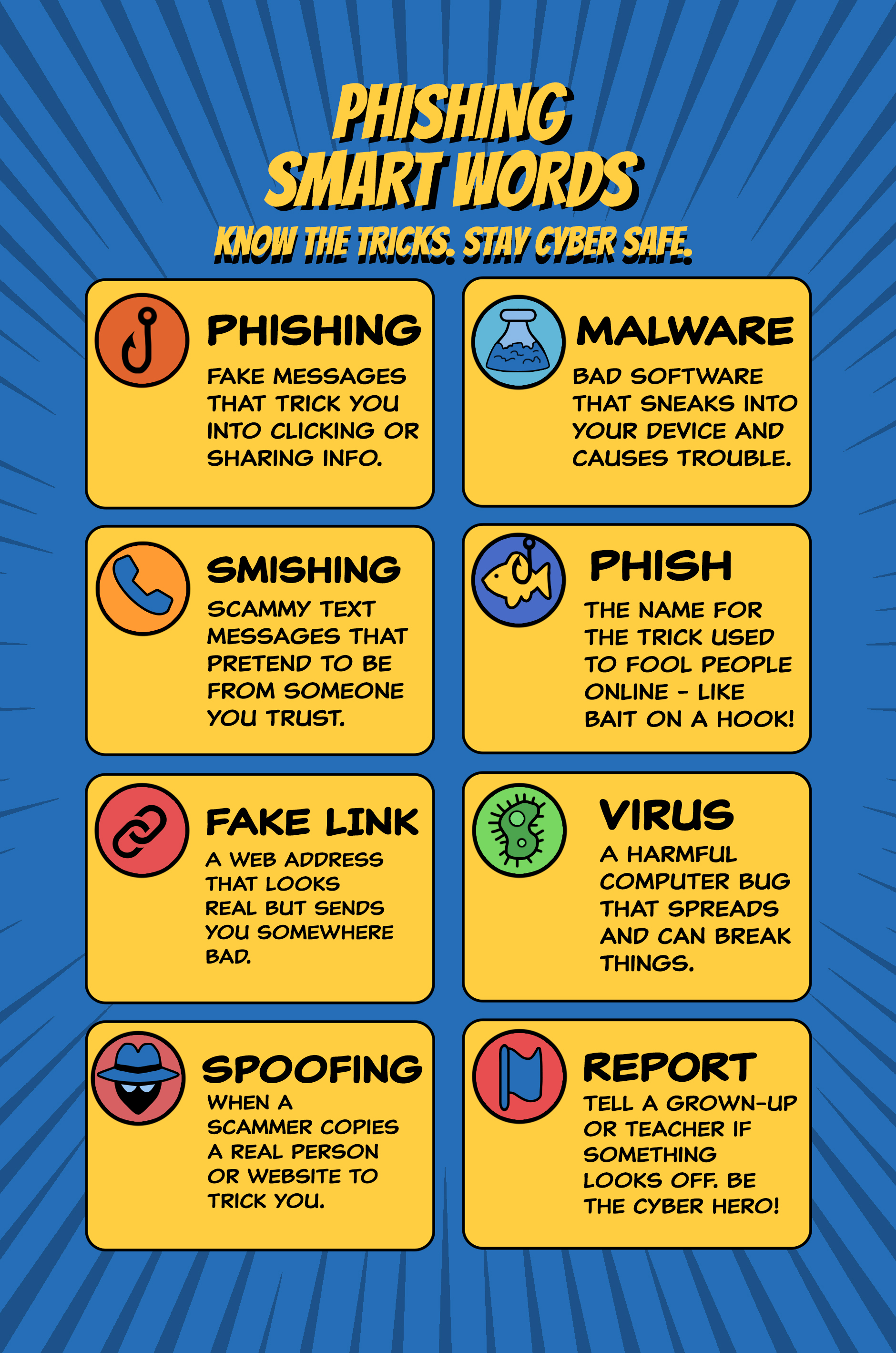
Building a family safety plan is like crafting a superhero shield. It starts with simple steps that make a big impact. Let’s explore how to build your fortress.
Parental Controls Made Easy
Set boundaries effortlessly with parental controls. They help manage screen time and block harmful content. But how do you start?
-
Explore Options: Every device has unique controls. Spend time browsing through settings.
-
Set Limits: Rather than banning devices, set reasonable time limits.
-
Review Regularly: Kids grow, and so do their online needs. Adjust settings as they age.
Check out more tips on setting up these controls: [https://www.rems.ed.gov/cybersafety].
Strong Passwords for Kids
Passwords are like secret superhero codes. They protect gadgets and personal info. Here’s how to craft strong ones:
-
Create Complexity: Use a mix of letters, numbers, and symbols.
-
No Repeats: Every account should have a unique password.
-
Memory Tricks: Use phrases or song lyrics for easy recall.
These steps will ensure their passwords remain unbreakable.
Two-Factor Authentication for Families
Two-factor authentication is like adding an extra lock to your house. It requires a second form of verification, making it harder for intruders.
-
Activate on Accounts: Set it up on all key accounts.
-
Explain Benefits: Talk about why it’s crucial for security.
-
Use Apps: Authenticator apps are more secure than text codes.
With these measures, your family’s accounts are well protected.
Encouraging Safe Online Habits

As your child grows, fostering safe habits is key. It’s about teaching them to be thoughtful and cautious online. Let’s look at how to guide them.
YouTube Safety for Kids
YouTube is full of fun and learning, but not all content is kid-friendly. Keep their experience positive with these steps:
-
Use YouTube Kids: This version is tailored for young viewers.
-
Supervised Sessions: Watch videos together and discuss what they see.
-
Set Preferences: Adjust settings to filter inappropriate content.
These tips ensure YouTube remains a safe, educational tool.
Social Media Safety for Kids
Social media lets kids connect, but it requires careful navigation. Here’s how to guide them:
-
Discuss Privacy: Explain the importance of keeping profiles private.
-
Friend or Foe: Teach them to only interact with people they know.
-
Content Control: Urge them to think before posting. Once online, always online.
Help them use social media wisely, fostering safe connections.
Digital Citizenship for Elementary Students 🎮
Teaching kids to be good digital citizens is crucial. It’s about respect, responsibility, and safety. Here’s how to instill these values:
-
Model Behavior: Show them how to act online by setting a good example.
-
Encourage Kindness: Discuss the impact of words and actions.
-
Foster Curiosity: Encourage questions and discussions about digital ethics.
These lessons prepare them to be responsible, kind users of technology.
Empower your little ones with these strategies, turning them into confident cyber heroes. For more insights and resources, visit https://www.washtrust.com/blog/8-internet-safety-rules-for-kids. Keep the cyber villains at bay and ensure a safe online journey for your kids!