Unmasking Phishing Scams: Fun Ways to Teach Kids to Spot Online Tricks
Phishing scams sneak into kids’ inboxes like sneaky villains in a comic book. You want your child to spot these tricks fast, but dry warnings don’t stick. That’s why teaching kids about phishing through fun, interactive lessons is the secret weapon every parent and teacher needs. Let’s suit up with Dr. Phish and turn your child into a cyber hero ready to defeat digital dangers! For more tips, check out this guide.
Fun and Interactive Cyber Lessons
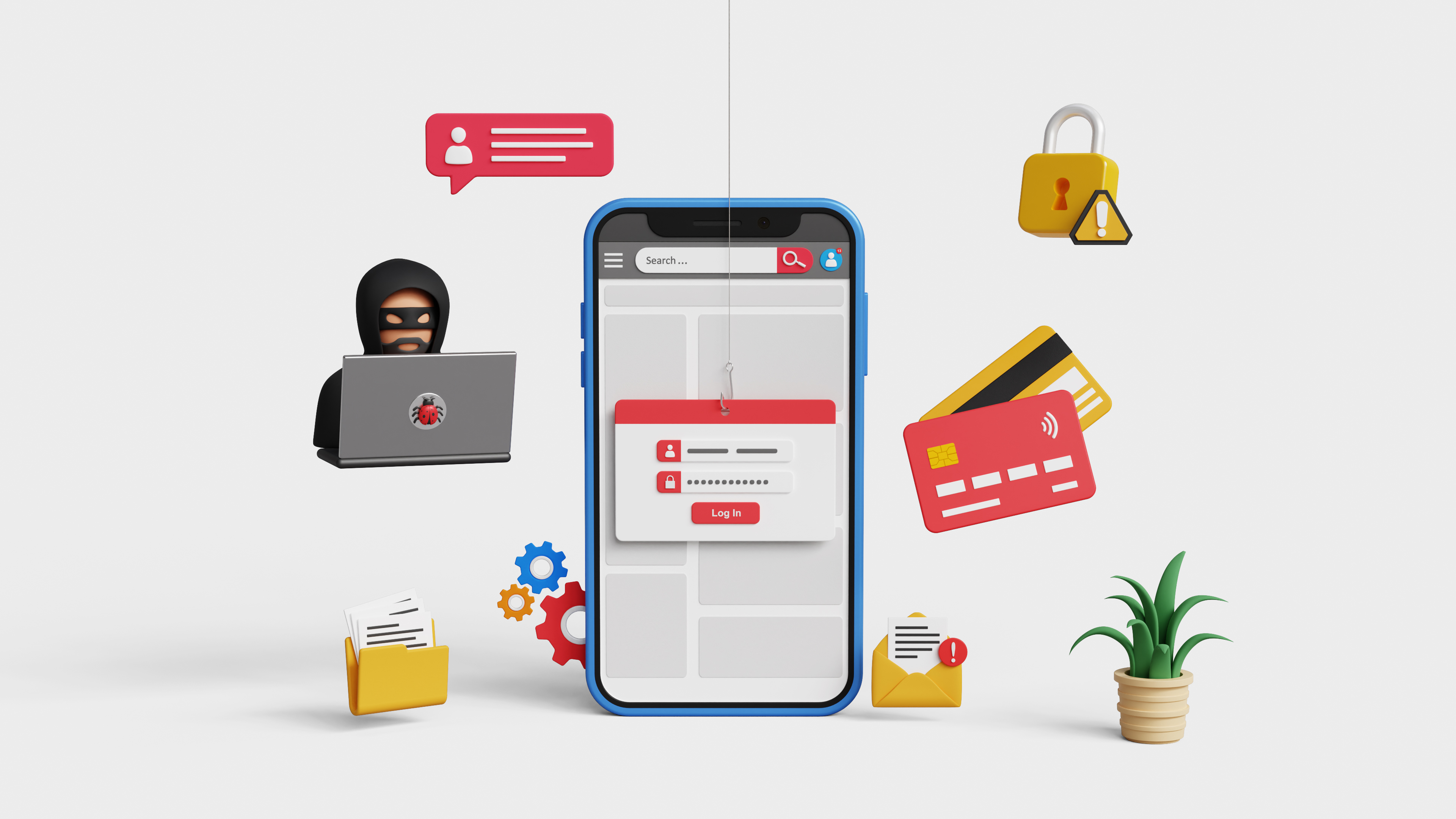
Kids love playing heroes, and what better way to teach them about online safety than through play? Let’s dive into some engaging methods to turn your child into a cyber hero.
Role-Playing as Cyber Heroes
Imagine your kid as the protagonist in their own digital adventure. Through role play, children can act out scenarios where they confront online villains. This method makes learning about phishing scams exciting. They can learn the importance of questioning suspicious messages and links.
Children thrive on imagination. When they put on the cape of a cyber hero, they see the internet not just as a place for fun but also as a world where they have power. This mindset shift is crucial in building their confidence in handling digital threats. By acting out these scenarios, your child learns to pause and think before clicking on unexpected links.
Games That Teach Phishing Scams
Games can transform the way kids learn about online safety. Interactive games geared towards identifying phishing scams make this process engaging. They challenge kids to spot the ‘bad guys’ in a fun setting.
These games offer a safe environment to make mistakes and learn. Through trial and error, kids understand the consequences of interacting with suspicious emails or links. They learn the skills needed to outsmart digital villains in real-life situations. By incorporating game mechanics, children are more likely to remember what they’ve learned and apply it in real scenarios.
Storytime with Dr. Phish
Stories are a powerful tool in education, and our very own Dr. Phish is here to help! In our book series, kids join Dr. Phish in epic quests to stop online threats. These stories aren’t just fun; they teach crucial lessons.
Dr. Phish takes readers on adventures where digital safety is key. Kids see practical applications of online safety tips, such as avoiding phishing links and recognizing fake profiles. By following Dr. Phish’s journey, they learn to ask, “What would Dr. Phish do?” before making digital decisions. This habit of reflection is invaluable in today’s online world.
Building Digital Literacy Skills

As kids embrace their roles as cyber heroes, they develop essential skills. These skills go beyond just spotting scams; they form the foundation for a lifetime of safe internet use.
Spotting Suspicious Online Behavior
Recognizing unusual behavior online is like having a superpower. Teaching kids to trust their instincts is key. If something feels off, it probably is.
Kids should learn to identify red flags like urgent messages, unfamiliar senders, and links that seem out of place. These are often signs of phishing attempts. Encourage them to ask questions and seek help if they’re unsure. By developing this habit early on, they create a natural defense against online dangers.
Creating Strong Passwords
Strong passwords are like a digital shield. Kids need to understand the importance of creating passwords that are hard to crack. A strong password is long, unique, and mixes letters, numbers, and symbols.
Show them how to create passwords that aren’t easily guessed, like a favorite book character combined with numbers. This simple step can significantly enhance their online safety. Reinforce the practice of changing passwords regularly and never sharing them with anyone.
Recognizing Trusted Websites
Not all websites are safe havens. Teaching kids to recognize trusted websites ensures they navigate the internet securely. Look for HTTPS and check for recognizable logos and contact information.
By knowing what to look for, kids can avoid the trap of fake sites designed to steal information. Encourage them to stick to websites they’ve visited with you or those recommended by teachers.
Engaging Families in Online Safety

Cyber safety isn’t just for kids; it’s a family affair. Engaging the whole family ensures everyone is on the same page when it comes to online safety.
Collaborative Cyber Security Education
Learning is more fun together. Family activities focused on cyber safety can be both informative and bonding. Whether it’s a game night with digital safety quizzes or discussing the latest online trends, staying informed is vital.
By creating a culture of open communication about online experiences, kids feel comfortable sharing their concerns. This openness can prevent problems before they start and empower everyone in your family to be vigilant online.
Setting Up Family Tech Rules
Every family needs a set of tech rules to follow. These rules ensure everyone knows what is expected of them while using devices. Discuss screen time limits, safe online behavior, and what to do if they encounter something strange.
Creating rules together makes kids more likely to follow them. It also gives them a sense of responsibility, knowing that their actions online have consequences. This approach supports their growth into mindful digital citizens.
Adventures in the Dr. Phish Book Series 🦸♂️📚
Join Dr. Phish on new adventures in our book series, where every story is filled with action and lessons. As kids read, they become part of a community of cyber heroes.
Each book provides insights into different aspects of online safety. With Dr. Phish as their guide, children learn to navigate the digital world confidently. These stories spark curiosity and inspire future cyber heroes, equipping them with the knowledge to protect themselves and others.
By embracing these fun and interactive methods, your child can become a vigilant cyber hero, ready to face any digital challenge with confidence. Together, let’s make the internet a safer place for all! For more resources, check out this helpful article.